Notes from the workshop
How Ogcode is built: context engineering, agent memory, and what it takes to run a coding agent on your own machine.

Why a Long Session Beats a Fresh One
Most agents tell you to start a new session to save tokens, because they re-send the whole conversation on every turn. Ogcode is built the other way: a turn's request never grows with the session's age, the agent keeps notes about the task it is on, and a keyword search finds a year-old conversation in milliseconds. Here is why we tell people to keep one session per task, for as long as the task lives.
Read the post
Why Corporate .docx Files Break AI Agents
A .docx is a zip of XML with no pages in it. Ogcode reads Word documents (.docx, .docm, .dotx) directly, with no Word, LibreOffice or conversion service: it resolves heading styles, extracts tables, footnotes and text boxes, groups the text into deterministic pseudo-pages, notices when the index has gone stale, and opens one page or a run of pages at a time with checkable citations.
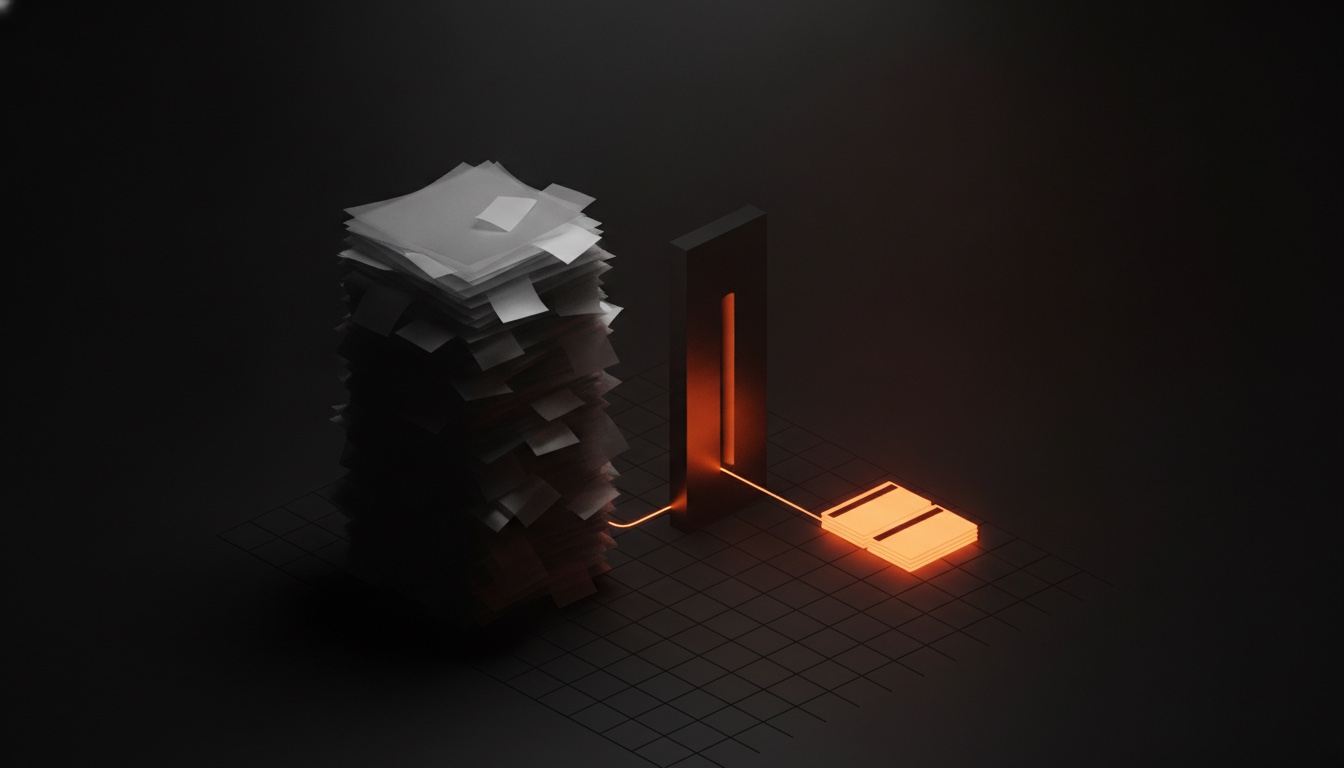
The context window has a second number, and it is the one that matters
Models advertise a huge context window. The second number, how much of it a model can actually use well, is far smaller, and it decides whether your agent works.
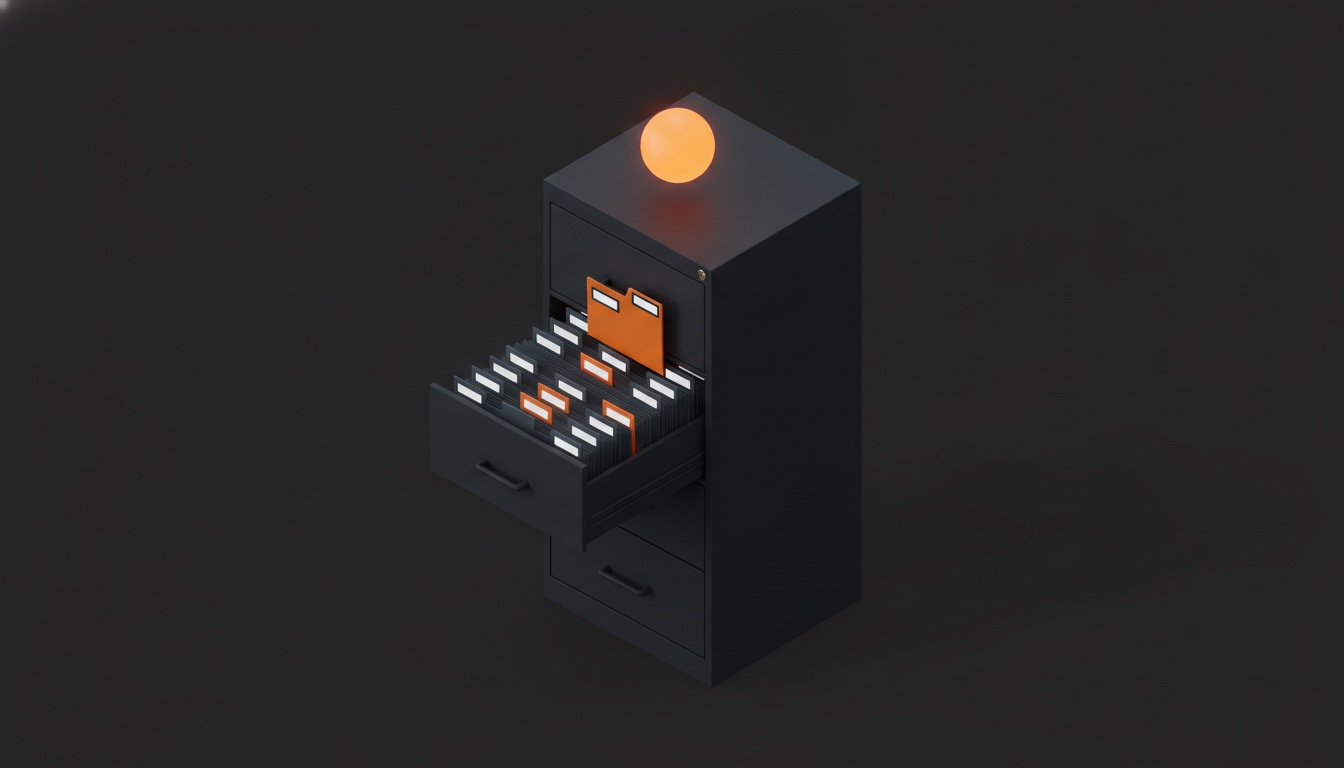
Your agent doesn't need RAG to read PDFs
Hand an agent a 1,151-page book and most assistants either load the whole thing into context or bolt a RAG pipeline onto it. Ogcode takes a third path: label every page once, keep the labels in a table you can read, open only the pages a question actually needs, and answer with a page number you can check.

How an AI agent reads a spreadsheet without loading it into context
A big Excel file does not fit in a context window, and RAG quietly gets the arithmetic wrong. Ogcode gives every sheet a one-page profile and a SQL tool, so the workbook never enters the conversation and the answers still add up.
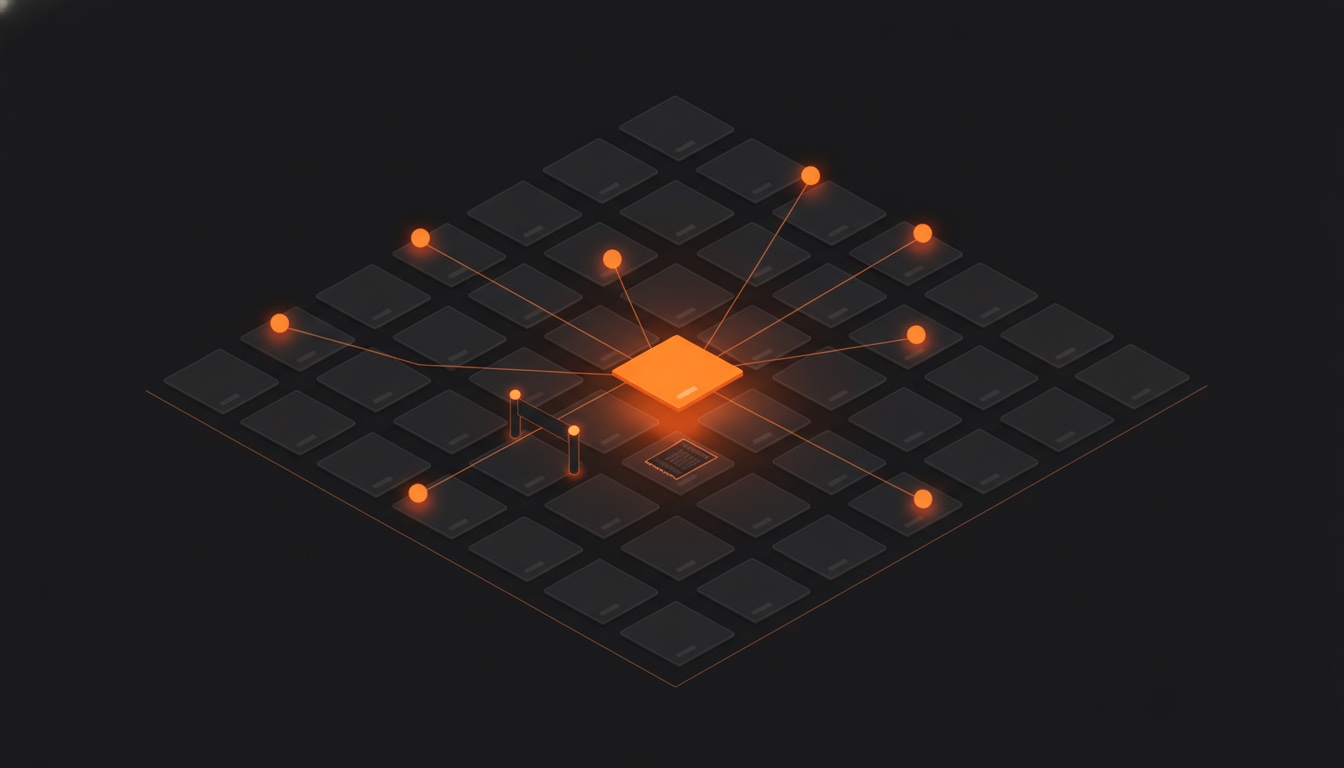
Your coding agents don't need git worktrees
When you let many AI agents work on one project, they can overwrite each other. The usual fix is giving everyone a separate copy of the project, then merging it all by hand. Ogcode skips that and uses one simple rule instead: never write over a change you haven't seen.
Memory is table stakes
Grok Build just learned to remember your project. Good. Every agent should. Here is how Ogcode remembers: markdown on your disk, one note per turn, recalled only when a turn actually needs it.
From side project to enterprise codebase.
One Go binary, any model, your keys. Ogcode builds the context each task needs, so you get the job done without burning through your wallet.
Or install from a terminal: curl -fsSL https://ogcode.in/install.sh | sh