We ditched worktrees: one folder, one rule
When you let many AI agents work on one project, they can overwrite each other. The usual fix is giving everyone a separate copy of the project, then merging it all by hand. Ogcode skips that and uses one simple rule instead: never write over a change you haven't seen.

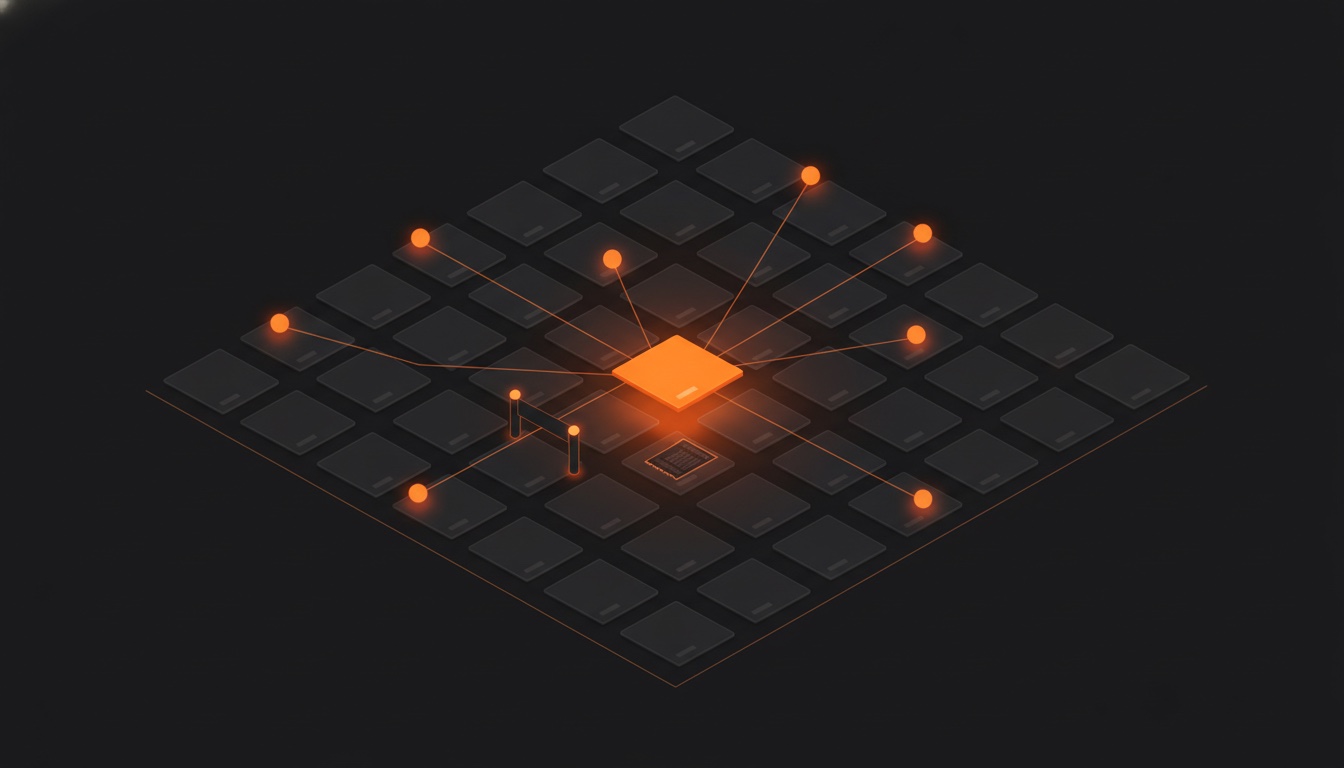
Picture a kitchen with seven cooks. Each cook has their own dish to make, and they all share the same pans, the same ingredients, the same shelves.
If a cook never looks at a pan before using it, they will eventually dump their sauce into a bowl someone just filled with something else. The dinner is ruined, and nobody can even say who ruined it.
That is exactly the problem you get when you let many AI coding agents work on one project at the same time. This post is about how we solved it in Ogcode, and why the popular solution, making copies, made things worse instead of better.
First, what is an agent?
A coding agent is an AI program that doesn’t just talk about code. It actually does things: it reads your files, edits them, runs commands in your terminal, and reports back. One agent is one helper.
Ogcode lets one agent be the boss. We call it the orchestrator. When you give the orchestrator a big job, it splits the work into pieces and spawns helpers of its own, called teammates. One teammate might write the docs, another might fix a bug, another might clean up tests. They all run at the same time, in the same project folder.
Which brings us to the problem.
The problem: everyone is editing the same folder
Two agents can pick up the same file without meaning to. Here’s how it goes wrong:
- Agent A reads the file.
- Agent B reads the same file.
- Agent B edits it and finishes that part of the job.
- Agent A edits it too, but from the old version it read in step 1.
Agent A just erased B’s work without ever seeing it. A has no idea, B has no idea, and you only find out much later, when something is broken.
The usual fix: give everyone their own copy
Git, the tool that tracks your code, has a trick for this called a worktree. A worktree makes a complete second copy of the project folder, so two streams of work never touch. Agent A works in copy one, Agent B works in copy two, and you merge the results at the end.
It sounds safe, and for a human working on two things it can be. For a team of agents it’s a trap:
- Every copy is a fresh folder, so every copy needs a fresh install of everything. Builds get slower and slower.
- The copies can’t see each other. A docs agent in copy one can’t read the new code the agent in copy two is writing. It reads the version from before, and writes the wrong thing.
- At the end, someone has to merge. Merging is where the fighting happens, and it lands on you.
- The worst part: the collision didn’t disappear. You just moved it to the end of the job, to the moment when both agents are done and nobody remembers why the code looked the way it did.
You built two kitchens, cooked two dinners, and still had the same fight. It just happens at the delivery door instead of at the stove, where the cooks could have settled it.
Ogcode’s answer: keep one kitchen, add one rule
Ogcode does the opposite of making copies. Every agent, the orchestrator and every teammate, works in the same folder, on the same files. There is no copying step and no merge step at all.
Instead there is one rule, and it is enforced by a gate we built into every tool that touches files. We call it hedit.
Nobody writes over a change they haven’t seen.
That’s it. Simple to say, and it has to work perfectly or the whole idea falls apart. Here’s how the gate makes it true.
The gate remembers three things
For every file in the project, the gate keeps a small notebook with three entries.
A revision number. Think of the ticket counter at a bakery. Every time someone changes a file, its number goes up by one. Change a file ten times and it goes from 3 to 13. The number never goes backwards, so the question “has this changed?” is just “is the number bigger than it was?” No clocks, no guessing.
A fingerprint. A super quick check of the file’s size and the time it was last touched. It’s like glancing at a book’s cover to see if it changed, without rereading every page. The gate uses this to spot that something moved, and then the next read does the real checking.
A bookmark. For every agent, the revision number that file had the last time that agent truly read it. That qualifier matters: an agent that only asked for a quick summary or a file listing doesn’t get a bookmark, because it never saw the actual words. You can’t promise you read a page you never saw.
Nothing in it is a lock, a copy, or a piece of merge machinery. The gate is just a very careful diary.
What happens when two agents meet
Before any edit or write lands, the gate asks one question: has anyone else changed this file since you last read it?
The gate ignores changes the agent made itself. That’s important, because agents often fix their own mistakes and try again. Nobody should be stopped from correcting their own work.
But if a different agent changed the file, the edit is refused, and the agent gets a message like this one:
File changed by another agent since you read it: server.go

Nothing was written. Your edits were NOT applied.

Your last read was revision 7. The file is now at revision 9.

[1] rev 8, 09:14:07, docs-team (edit)
    note: fix the wrong port number
    @@
    - old lines ...
    + new lines ...

[2] rev 9, 09:14:52, nav-fix (edit)
    note: rename the navigation section
    @@
    - old lines ...
    + new lines ...

Re-read the file and re-apply your change against the current content.
That message is the whole feature. Look at what it gives the losing agent: the names of everyone who touched the file, every change it missed, with the old and new lines right there, and a clear next step. It doesn’t invite the blind retry a bare error does. It’s a full catch-up report.
The agent then rereads the fresh file and reapplies its edit on top of what exists now. Nothing gets overwritten, and nothing gets lost.
We call this refuse-and-catch-up. Compare it to the copy-and-merge world: there, the collision is discovered after both agents are finished, by a human, in text that stopped making sense an hour ago. Here, the collision is caught in the exact moment both agents are still working, and one of them fixes it in seconds while the other keeps going. Nobody rings a bell to summon you.
What about terminal commands?
Edits can be checked before they happen. A terminal command cannot, because it’s a full shell: it might rewrite five files in ways the gate can’t look inside.
So the gate does the next best thing. It checks afterwards. When a shell command finishes, the gate looks at every file it tracks and notes any that changed. The note says what command ran and that something moved, and that is honestly all it knows.
One detail we’re proud of: the gate does not guess who changed the file. The terminal command might have been run by any agent, or touched files someone else edited indirectly. Blaming the runner would be a lie, and lies in a system like this are poison. So the note says “changed, author unknown,” and every other agent gets stopped and shown the change on its next edit, exactly as if a named agent had done it.
There is one tiny hole in the fingerprint, and we chose it on purpose. Two changes could fit inside the same file tick and be invisible. To close that hole we would have to reread every tracked file after every single command, which would be slow everywhere to fix a rare case. And the moment anyone goes to edit that file, the stale copy gets caught anyway. We picked the fast gate with a hairline gap over the slow gate with none.
Rules for the team, not just the kitchen
The gate keeps the files safe. The team itself has a few rules on top:
- One file, one owner. The orchestrator hands each teammate its own set of files to work on, so they mostly never collide in the first place. The gate is the safety net, not the plan.
- Every teammate has a unique name. That name is what you see in
refusal messages, like
docs-teamabove, so you can always tell who did what. - Teams inherit your safety rules. A teammate gets the same model and the same permissions as its parent. Spawning a helper can never give the helper powers you didn’t have. And spawning asks you first, because it costs money and adds a second writer to your project.
- No limit on team size. A teammate can spawn teammates of its own, so big jobs become a tree of helpers instead of a long queue.
Everything is written down
Every change that lands goes into a permanent diary, with the file, the revision, who made the change, which tool they used, a one line reason, and the actual difference between old and new text. The diary never shrinks, so even long after an agent is gone you can still look up exactly what it did.
That diary is where the one-folder rule pays off a second time: it makes the whole job auditable.
Think about auditing when agents work on copies. Three branches, three streams of commits, one merge commit at the end that mashes everything together. Ask later “why does this function look like this?” and the honest answer is archaeology: dig through chat logs and terminal scrollback, hoping someone wrote the reason down somewhere.
In Ogcode, asking “what happened to this file?” gets a straight answer. Here is the shape of it, for the file from the refusal message above, covering one job:
rev 8   09:14:07  docs-team     edit   fix the wrong port number
rev 9   09:14:52  nav-fix       edit   rename the navigation section
rev 10  09:15:31  docs-team     edit   rewrite the failing test
rev 11  09:16:03  orchestrator  edit   update the config example
Every line is one landing, and every landing carries the old and new lines beside it, so you open the record and see the actual change, not just the fact that a change happened.
And the reason is not luck. In Ogcode, an agent cannot edit a file without writing one line on why. It is a required part of the edit, the same way the file itself is. So the first thing every record answers is exactly the question you will have later: what changed, and why. Nobody had to remember to document anything after the fact.
Line the records up across a whole feature and the story falls out for free: which files iterated and how many times, which agent owned each change, what it actually did to the file, and where two agents met and settled it. The settling comes from the collide-and-refuse moment earlier: the diffs a refused agent gets are the very same diary rows, so the catch-up report and the audit trail are one system. You could read a whole feature’s records top to bottom like a story, which the copies-and-merge world can’t give you.
We are honest about what’s missing there: the diary has an interface for programs but not a real page in the web UI yet. That’s coming.
Why not just use git?
Because git solves a problem the agents don’t have. Git is built for writers who finish their work first and meet later. Two agents are never finished. They’re in the middle of the job, still holding the thinking behind every change, still able to redo anything.
So Ogcode coordinates where agents are strong and git is weak: at the moment of writing, while both writers still know what they meant. Git stays underneath for saving history. It’s a great history keeper. As a bouncer at the door of a busy kitchen, it’s out of its depth.
Where this could still be better
No post about our own system should pretend it’s perfect. Here’s what we’d still like to build:
- When two agents land on the same file, the loser currently rereads and reapplies by itself. That works well, but the message it gets could hand it a ready-made patch instead of a diff to redo by hand.
- As above, the diary needs a proper page in the web UI, with search.
- The gate lives in one server per project folder. Two separate servers pointed at one folder would each keep their own diary, which mostly can’t happen because Ogcode locks the folder, but it’s a real edge case and we know it.
The idea in one sentence
Lots of agents on one project don’t need to be copies of each other. They need to live in one folder and follow one rule: nobody writes over a change they haven’t seen. When that rule is enforced with a refusal that shows you everything you missed, the agents settle their own conflicts while the work is still warm, and you never have to stand between two sets of edits with a broom.